
问题现象
Dashboard Pod 全部处于
ContainerCreating状态Kong 代理日志显示:
connect() failed (111: Connection refused)浏览器访问返回:
ERR_CONNECTION_REFUSED或An invalid response was received
kubectl get pods -n kubernetes-dashboard
第二层:查看 Pod 详细事件
kubectl describe pod -n kubernetes-dashboard <pod-name>
kubectl get events -n kubernetes-dashboard --sort-by='.lastTimestamp'
第三层:检查 Service 类型
kubectl get svc -n kubernetes-dashboard
现:kubernetes-dashboard-kong-proxy 类型为 ClusterIP,无法从外部访问
第四层:检查 Kong 代理日志
kubectl logs -n kubernetes-dashboard deployment/kubernetes-dashboard-kong
根本原因
镜像拉取失败:工作节点无法访问 Docker Hub,导致 Pod 无法启动
Service 类型错误:Dashboard 默认使用
ClusterIP,需要改为NodePort才能外部访问防火墙未放行端口:NodePort 端口被防火墙阻止
解决方案
步骤 1:配置镜像加速(在工作节点执行)
# 编辑 containerd 配置
vi /etc/containerd/config.toml
# 添加镜像加速
[plugins."io.containerd.grpc.v1.cri".registry.mirrors]
[plugins."io.containerd.grpc.v1.cri".registry.mirrors."docker.io"]
endpoint = ["https://docker.m.daocloud.io", "https://hub-mirror.c.163.com"]
systemctl restart containerd
步骤 2:手动拉取镜像
crictl pull docker.io/kubernetesui/dashboard-api:1.14.0
crictl pull docker.io/kubernetesui/dashboard-auth:1.4.0
crictl pull docker.io/kubernetesui/dashboard-web:1.7.0
crictl pull docker.io/kubernetesui/dashboard-metrics-scraper:1.2.2
步骤 3:重启 Dashboard Pod
kubectl delete pods -n kubernetes-dashboard --all
步骤 4:修改 Service 为 NodePort
kubectl patch svc kubernetes-dashboard-kong-proxy -n kubernetes-dashboard \
-p '{"spec":{"type":"NodePort"}}'
步骤 5:放行防火墙端口
ufw allow 32510/tcp
步骤 6:创建管理员账户并获取 Token
# 创建管理员
cat <<EOF | kubectl apply -f -
apiVersion: v1
kind: ServiceAccount
metadata:
name: admin-user
namespace: kubernetes-dashboard
---
apiVersion: rbac.authorization.k8s.io/v1
kind: ClusterRoleBinding
metadata:
name: admin-user
roleRef:
apiGroup: rbac.authorization.k8s.io
kind: ClusterRole
name: cluster-admin
subjects:
- kind: ServiceAccount
name: admin-user
namespace: kubernetes-dashboard
EOF
# 获取 Token
kubectl -n kubernetes-dashboard create token admin-user
步骤 7:访问 Dashboard
https://<Master-IP>:<NodePort>
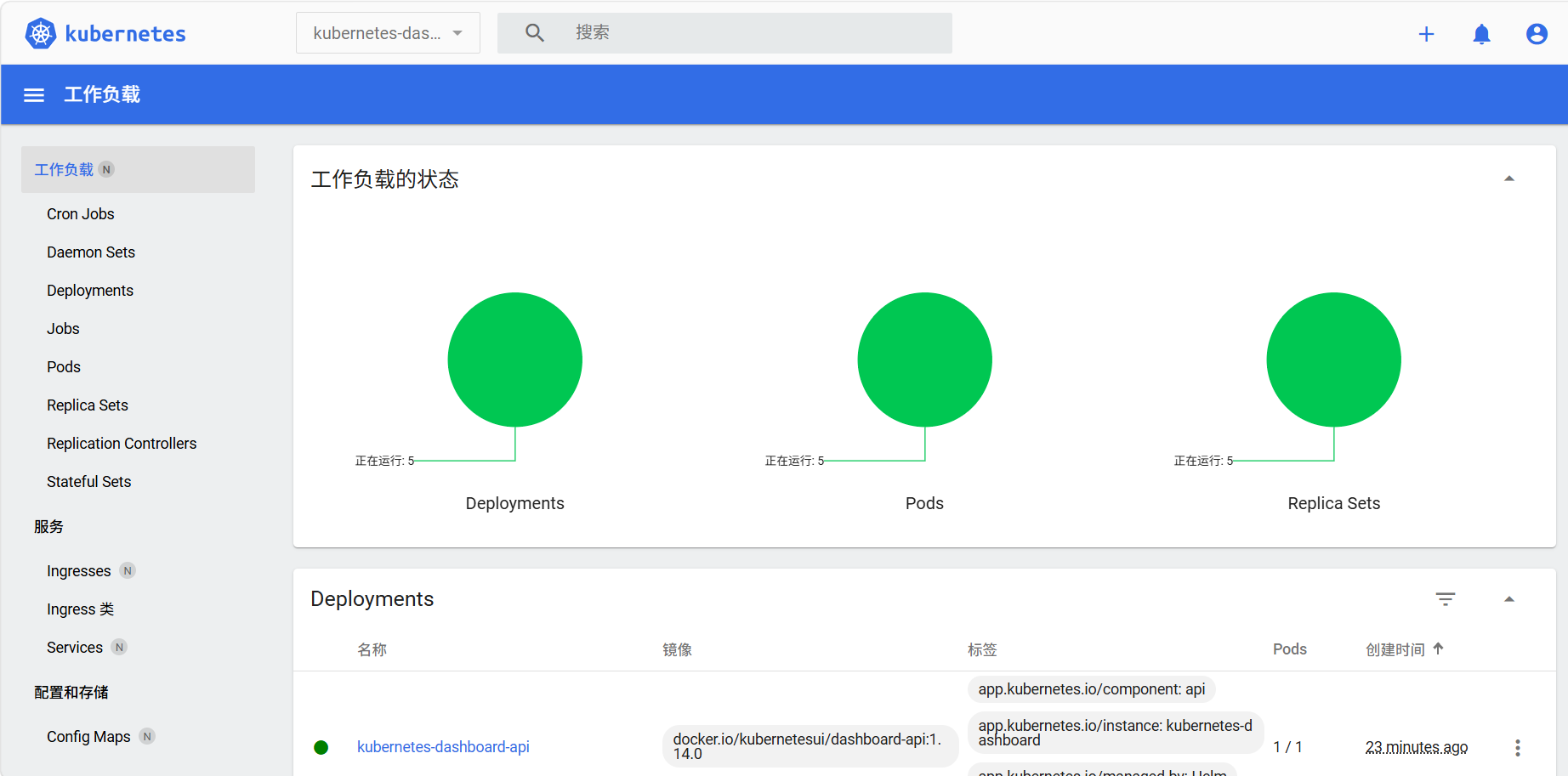
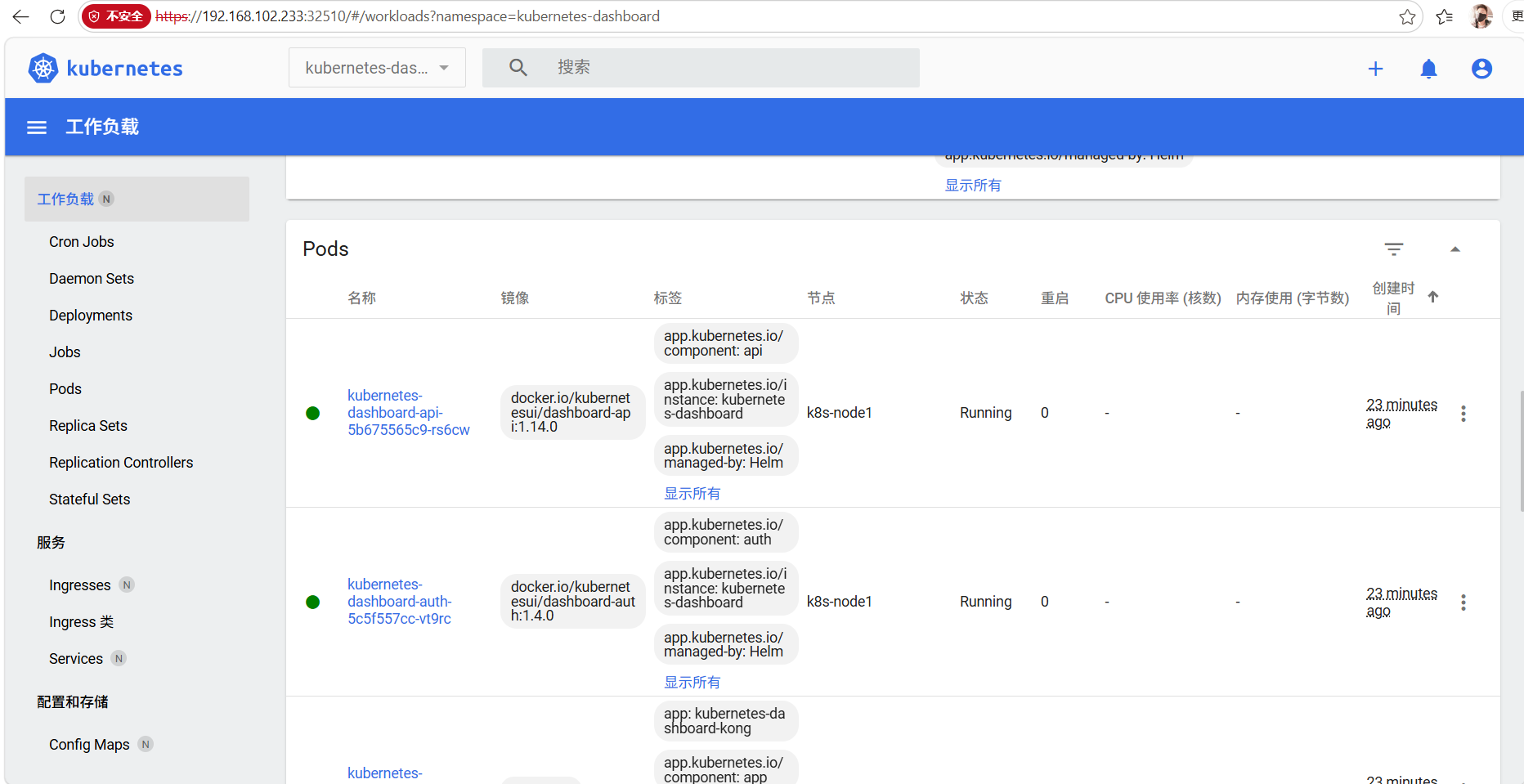
.jpg)